
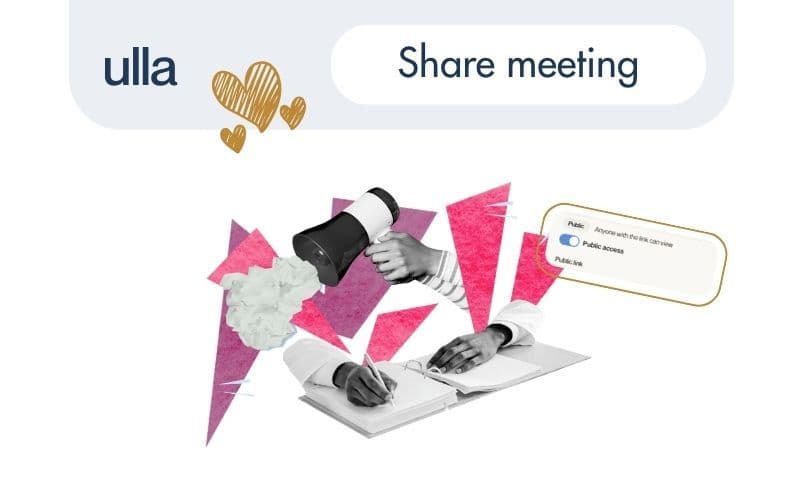
We’ve added a simple update to Ulla: you can now share a meeting via a public link.
This is useful when you need to give someone access to a conversation without sending files, recordings or additional explanations.
How it works
- open a meeting
- click Share
- enable Public access
- copy the link
The link opens a read-only page where viewers can access the transcript, summary and video recording of the meeting.
When to use it
This works well when you need to quickly share context, even with people who are not registered in Ulla:
- a teammate missed the meeting
- a stakeholder needs to review what was discussed
- you want to document a conversation without rewriting it
Anyone with the link can view the content without creating an account.
The shared page is read-only and does not expose personal data like emails.It reflects the meeting as it was recorded and cannot be edited.
So you can share the content without turning it into a document that can be changed or reinterpreted.
That’s it. A small update, but useful when meetings need to be shared without extra steps.