
Not every meeting needs an AI assistant. And not every team works the same way.
That’s why we’ve launched custom auto-join settings - giving you full control over when Ulla automatically joins your scheduled meetings.
Whether you want Ulla to join every call, only internal discussions, or just the meetings you manually select, you’re now in charge.
🛠 What’s new?
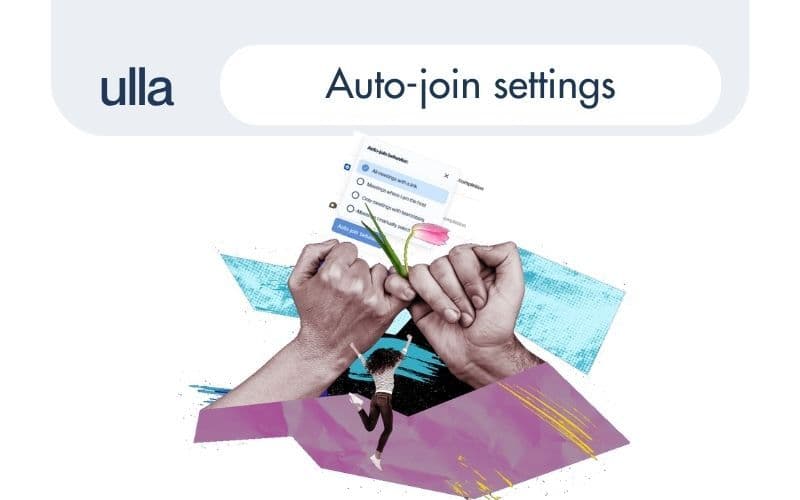
You can now choose between four auto-join options:
1. All meetings with a link
Ulla joins all your scheduled online meetings (with a video call link), no matter who else is attending. This includes Google Meet and Microsoft Teams links.
2. Only meetings where I’m the host
Ulla will only auto-join meetings that you’ve created - not ones where you’re just a guest.
3. Only meetings with teammates
Perfect for internal calls. Ulla checks if all attendees are part of your Ulla workspace - and only then joins. It doesn’t matter if you all share the same domain; what matters is being in the same Ulla workspace.
4. Manually selected meetings
Want full control? Pick this mode and invite Ulla manually to each meeting - either by adding to your calendar event or pasting a link in the dashboard. Ulla watches your calendar, but won’t join unless you ask her to.
⚙️ How to update your preferences
To customise when Ulla joins your meetings, follow these steps:
- Open your Ulla Dashboard
- Go to Settings
- Select Personal Settings
- Under Google Meet or Microsoft Teams, click Auto-join behaviour
Choose the mode that works best for your workflow - and you’re done. You can update this anytime.
💡 Why it matters
Some meetings are deeply strategic, some are operational, some are just a 15-minute sync. Ulla doesn’t need to be everywhere - and now, she won’t be.
These new auto-join options help you:
- Protect sensitive calls (without turning off calendar sync)
- Avoid unintentional recording of external meetings
- Fine-tune Ulla’s presence to how your team actually works
- Reduce noise in your dashboard by filtering only key meetings
This update is part of our broader mission: giving teams better control, less clutter, and more signal from noise.
Log into your dashboard, choose how you want Ulla to follow your meetings - and enjoy the flexibility.