
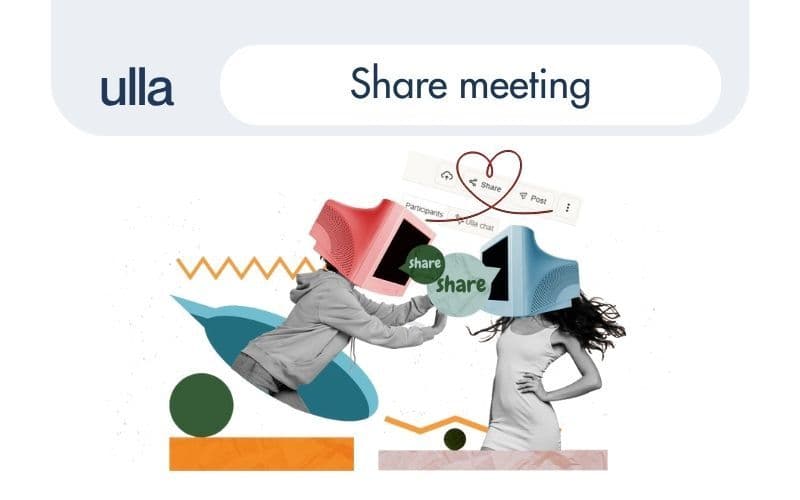
Ever joined a team mid-project and wished you had access to past meetings? Or wanted to share a helpful onboarding session with a new hire - without forwarding PDFs or hunting down notes?
Now you can.We’ve just launched a new “Share script” feature in Ulla® Notetaker - making it easier than ever to keep your team aligned and in the loop.
📄 What is it?
The Share script feature lets meeting organisers share processed meeting scripts directly with colleagues inside the same workspace. That means no extra exports, no email forwarding - just one click, and the script is available to your teammates in their Ulla dashboards.
✅ How it works
- Open the meeting script for a meeting where you are the organiser.
- Click “Share” in the top-right corner.
- Add one or more emails of your colleagues (must be part of the same Ulla workspace).
- Save - and you’re done.
The script will now appear in their dashboard and be available for review like any other meeting they have access to.
🧠 Why it matters
Teamwork doesn’t start and stop with one meeting - but often, people miss important context because they weren’t in the room. This feature helps with:
- New teammates joining ongoing projects
- Handovers between departments (e.g., Sales → Customer Success)
- Cross-functional alignment (e.g., Product ↔ Marketing)
- Onboarding or training sessions worth rewatching
- Async collaboration in distributed teams
And since shared scripts live inside Ulla, they’re easy to find, search, and follow up on - with no need to re-send files or duplicate notes.
🔒 Note: You can only share scripts with users inside your workspace. External sharing is not available.
Small change. Big time-saver.Try it out on your next meeting - and keep your team in sync, even if they missed the call.